
Used iMac - 2026 Buyer’s guide
Published: April 15, 2026
120€ is all you need to buy a good working computer in 2026. These are my words and I stand by them.
Buyer’s guide promised, and I’m delivering :)
Quick recap
Read my previous article about how I got myself an i5 iMac for 120€.
If you missed the first part:
- Old iMacs are highly undervalued right now
- iMacs don’t have a battery to degrade
- Not everyone needs one.
Regarding the last point, I prepared for you a list of things these computers are good and not good at.
What old iMacs are actually good at?
This is a part where I’m praising these machines! But we’re going to critique them later, pinky promise!
Old iMacs are actually great at:
- A budget-friendly option for at least next 4 years. It looks modern, it’s quick.. Put macOS Sonoma, Ubuntu or Windows on it and call it a day.
- Everyday tasks. Browsing, writing, learning basics of programming, YouTube, movies, you name it.
- Secondary setup. You need a computer as a dev playground? Try out different Linux distros on it, use it as a computer for documents.
- An Apple nerd-station. You need that very specific version of OS X Snow Leopard for whatever reason? Go and get it.
What old iMacs are not good at?
This is not an advertisement article, so it would be fair to mention some things you shouldn’t expect from those machines.
Old Intel iMacs are actually not good at:
- Being a main machine if you’re not a tech-savvy person.
- Heavy graphics work. 3D in Blender, video editing. An Apple M1 Mac is going to do better at any of these task and won’t leave you with a high electricity bill.
- Being a home server. These are not the most power-efficient computers to just work in stand-by.
TL;DR
Here is a table if you just want a summary.
| Relevance | Years | Summary | My recommended price range |
|---|---|---|---|
| Best value | 2013–2017 | Best balance of price, performance, versatility and longevity. | 80-190€ |
| My personal pick | 2017-2019 | 5K display, upgradeable storage and DDR4 RAM, Thunderbolt 3. | 120-190€ |
| High end stuff | 2017–2019 | 5K display, i7, 40-64 RAM, large storage | 300-400€ |
| Niche | 2011–2012 | Usually priced the same as newer models. Only good if you need a specific version of an old OS X. | ~120€ |
| True legacy | pre-2010 | Core 2 Duo CPUs are just not worth it anymore. Very low performance and power-hungry. | Just avoid |
And now, one by one, in more details:
2013-2017 - your first budget choice
Storytime!
Last year someone I know asked me to check their laptop.
“Maybe you can do something with it. It is painfully slow and I can’t have my German lessons anymore because Teams won’t start at all.”
I thought: easy task!
Probably an HDD! I will swap in an SSD. Maybe upgrade RAM (it was cheap at that time)
“I can handle it!” already flexing my IT-nerd muscles in my imagination.
I couldn’t.
When I was there I took a closer look. That laptop was only 2 years old, bought from Saturn (German Best Buy) for something around 300€.
- 16 gb of ram
- pretty fast M2 SSD already in it
- Windows 11
- Copilot. Of course it was there.
Basically nothing installed but Teams, Microsoft 365 and Google Chrome.
It struggled to open pictures! Not something crazy, but JPEGs from 2007, taken on an old digital point-and-shoot camera.
The problem is a very underpowered CPU, paired with Windows 11, which it was sold with.
Basically, e-waste out of the box! I couldn’t do anything to make it faster.
The was nothing meaningful I could do.
- Install already unsupported Windows 10. Maybe better, maybe not. I didn’t bother.
- Linux. Not a realistic option for that person, who isn’t a youngster.
Long story short:
A week later I showed up with the replacement.
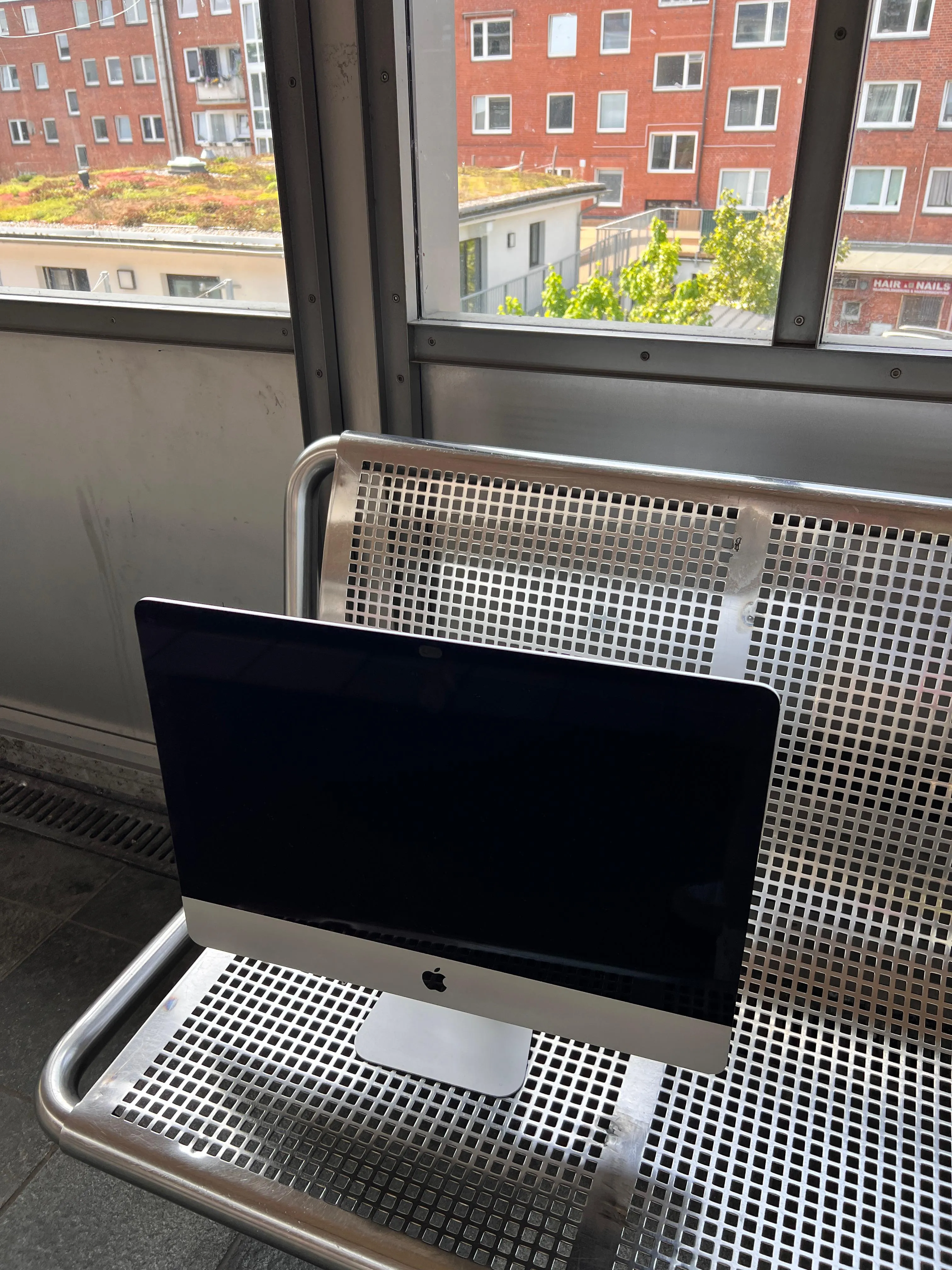
It was a 21-inch 2013 iMac in a mint condition.
- 3,1 GHz Quad-Core Intel Core i7
- 16 gb of DDR3 RAM
- 1TB Fusion Drive
With the help of Open Core Legacy Patcher I installed the latest, at that time macOS Sonoma.
Everything worked fast, Teams works great on that machine, that iMac felt premium even in 2025.
The main thing is that the machine was actually enjoyable to use!
The price? Make sure you’re sitting right now.
80€
For that price you’re basically getting all in one:
- a pretty good computer
- a display
- a camera
- speakers
All connected only with one cable to the wall outlet and with Wi-Fi to the internet.
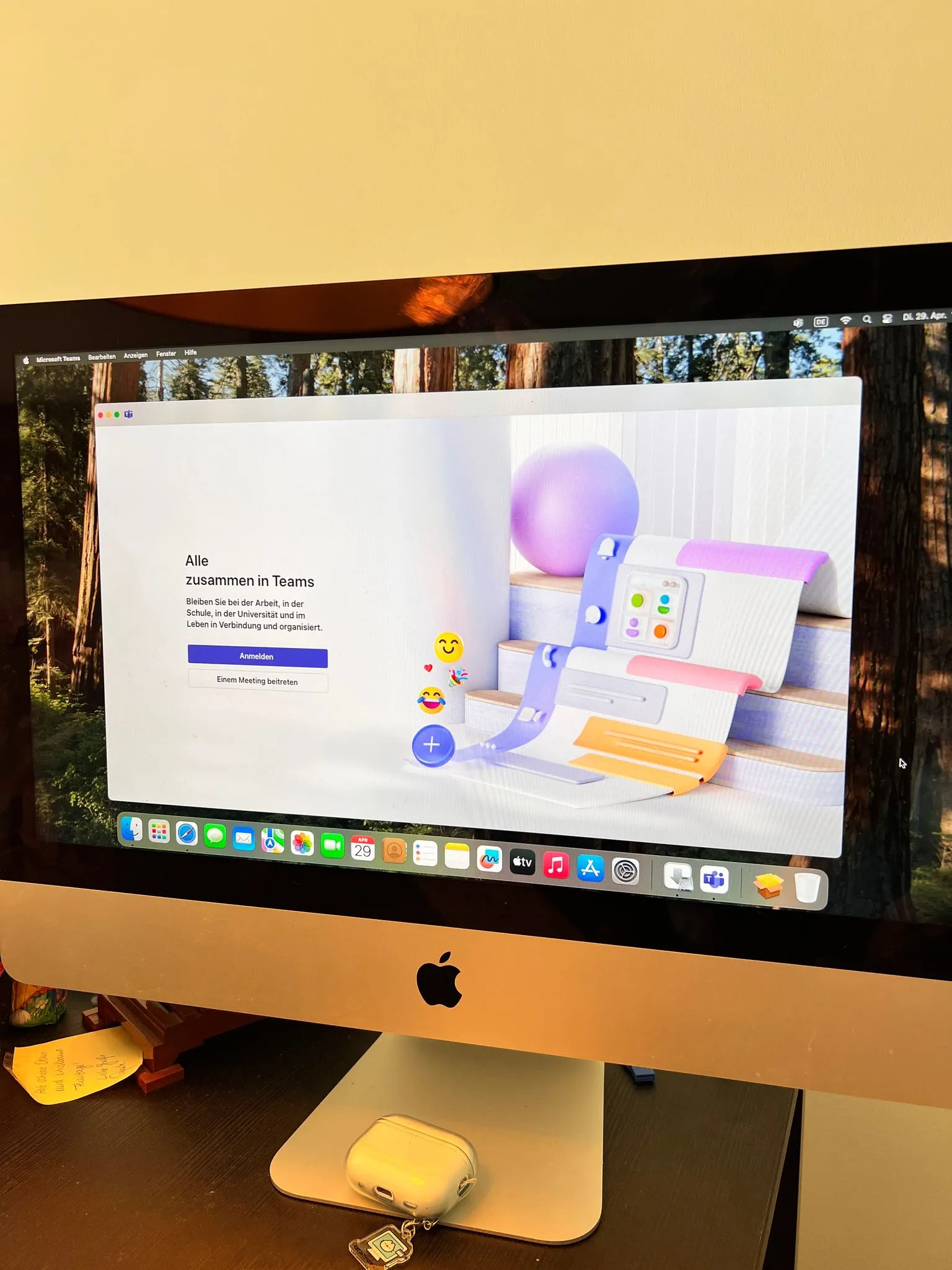
That’s exactly why I suggest an iMac from 2013-2017 to anyone, who needs a computer, but on a budget. It just makes sense.
They were built at that time to be a high-end machines, and they gracefully aged
2017-2019 - if I had to pick one
It still possible to find these for around 120-190€, but those deals are more rare.
Most of them come with 8 gb of RAM, which is fine, since RAM is upgradeable (especially on 27-inch models)
What makes this generation a no-brainer for me:
- 4K and 5K displays
- more modern CPU options
- DDR4 RAM - still relevant
- Thunderbolt 3 for more advanced peripherals
2017–2019 - the high end
Same generation, but if you put a couple hundreds on top, things get interesting.
- higher-end CPUs
- 40-64 gb of DDR4 RAM
You can connect an external GPU via Thunderbolt 3 and get a decent, stylish setup.
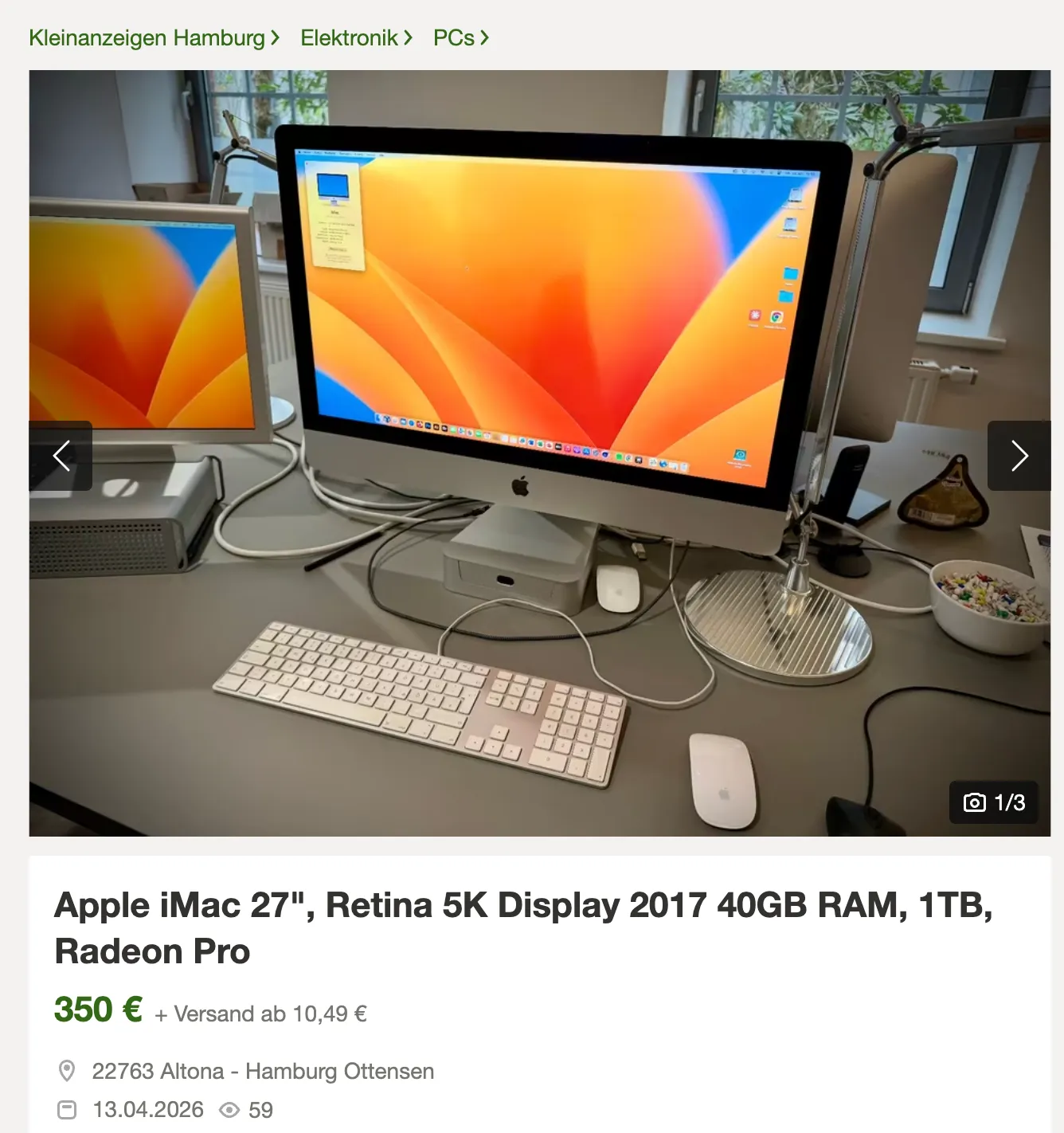
Not a perfect gaming machine, but definitely a fun project, cool party trick, and a conversation starter.
Play Cyberpunk and watch youtube on it.
2011–2012 - the niche
For my own free time projects, I needed a 2010 or 2011 iMac to install OS X Lion or Snow Leopard, that’s why I personally went with it.
For whatever reason, these models are often priced almost the same as 2017 ones.
For the same price, screens are older, performance is weaker, connectivity options are older.
I wouldn’t recommend one of these unless you have a clear reason for it.

pre-2010 - a true legacy
These computers run on Core 2 Duo CPUs, which are absolutely obsolete in 2026.
Skip them unless you’re feeling nostalgic.
The best use case?
Maybe installing Windows 7 and playing the Sims 2 as a form of escapism.
Even there, there are better options.
If you have one, keep it as a decor piece or recycle it properly.
I think that’s everything I wanted to say on this topic.
This was my 2026 buyer’s guide for old iMacs.
If you have any questions or want to discuss something, feel free to reach out.